
TIME TRACKING SOFTWARE
Accurate time tracking,
from clock-in to payday
Your team tracks time wherever they work. Personio keeps
compliance in check and payroll running smoothly.
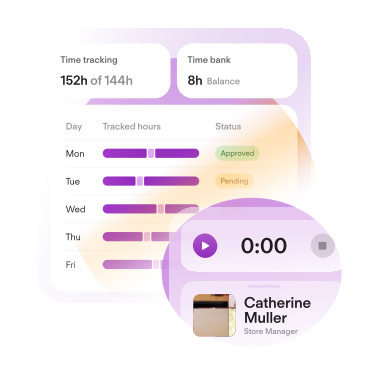
Time tracking that adapts to your workforce
Flexible and compliant time management tailored to your organisation.
Easy time tracking for every team
Employees track time wherever they work, your company keeps accurate records.
Navigate regulatory complexity
Automated compliance checks that save time and reduce manual work.
Reliable attendance data for Payroll
Accurate and reliable attendance data for seamless payroll processing.




FLEXIBLE
Time tracking built for the way
modern teams work
From desk-based teams to employees on the move, flexible tracking methods adapt to how your people work and wherever the work takes them.
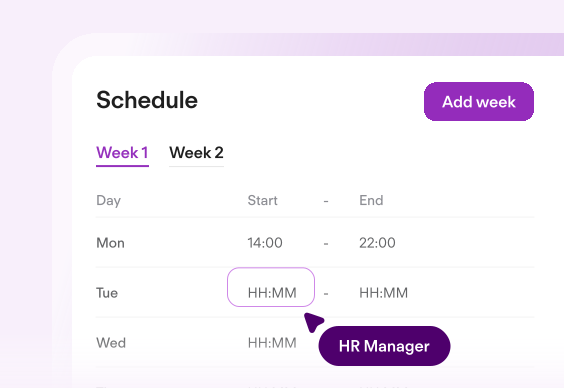
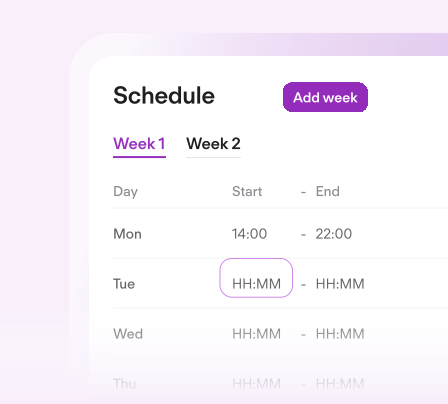
FIXED & FLEXIBLE WORK SCHEDULES
Fixed or flexible work schedules designed to fit both operational needs and employees.
MULTIPLE TIME TRACKING METHODS
Record the time from desktop, mobile, clock-in terminals or the Personio Entrance app.
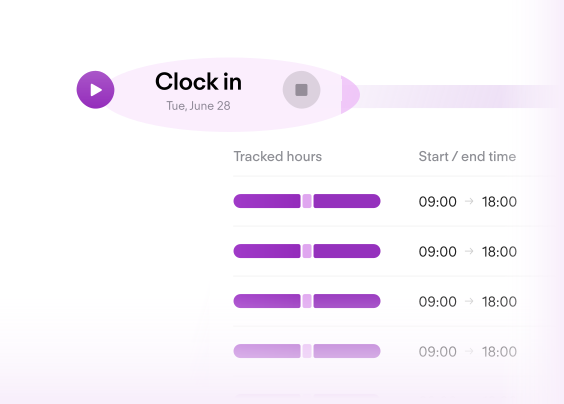
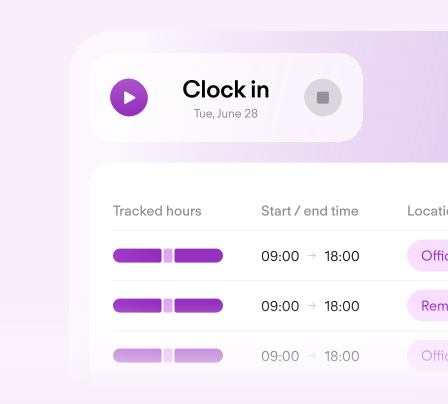
LOCATION-BOUND TIME TRACKING
Always know where employees are clocking in and out from.


PERSONIO ENTRANCE APP
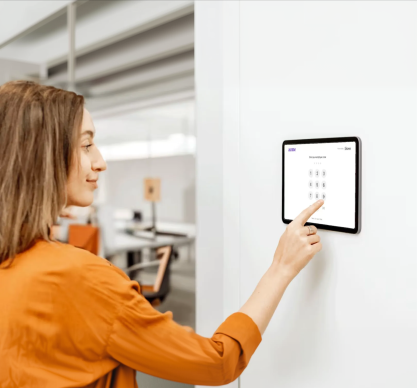
A shared time tracking device for deskless employees.
COMPLIANT
Stay compliant. Pay accurately.
Stay in control
Define the rules, automate the workflows, and trust every record.
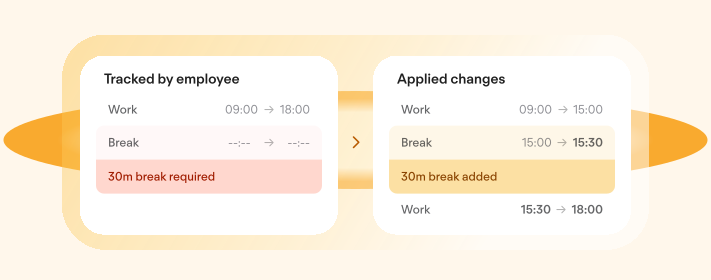
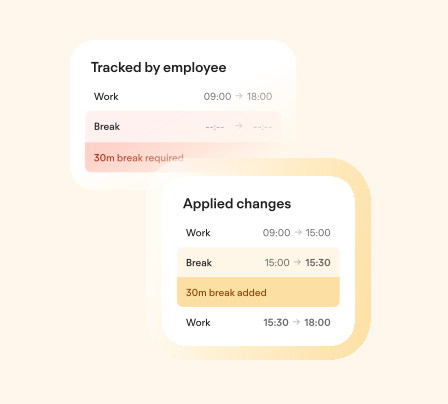
SMART COMPLIANCE CHECK
Stay compliant with labour laws and protect employee wellbeing.
WORKFLOW AUTOMATIONS
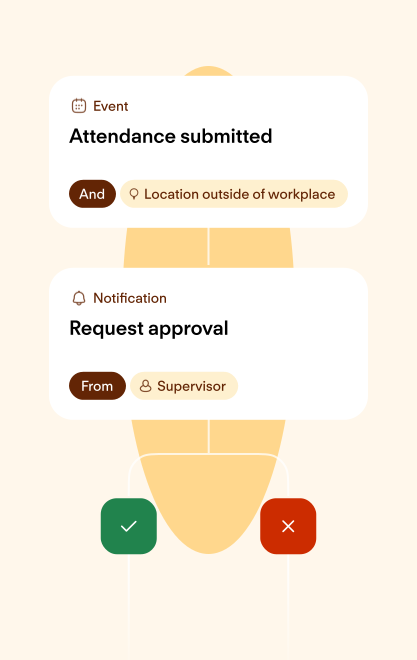
Set workflows to trigger approvals of time entries that violate company policies.
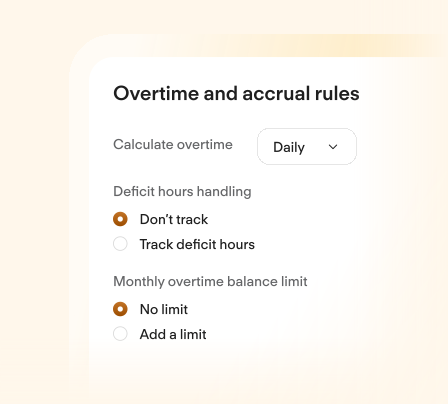
OVERTIME
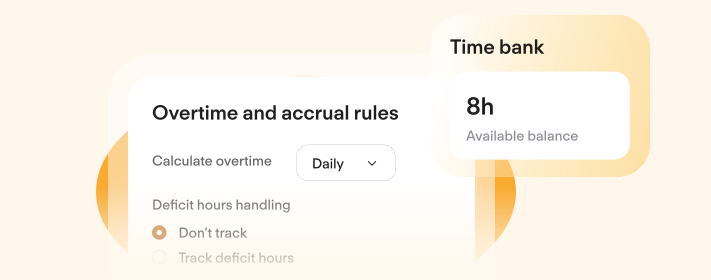
Offer overtime or pay employees for extra hours worked.
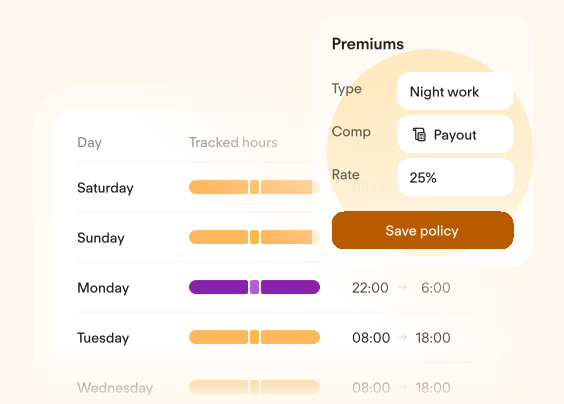
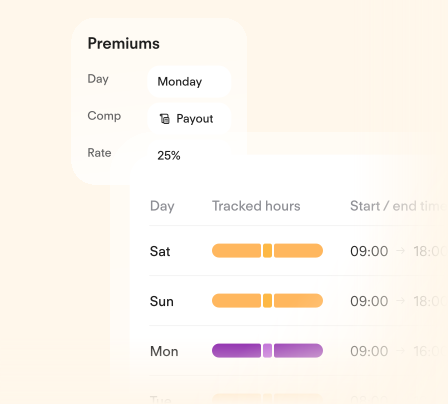
PREMIUMS
Coming soon: Compensate employees fairly for special or off hours work with custom rules.
API ACCESS
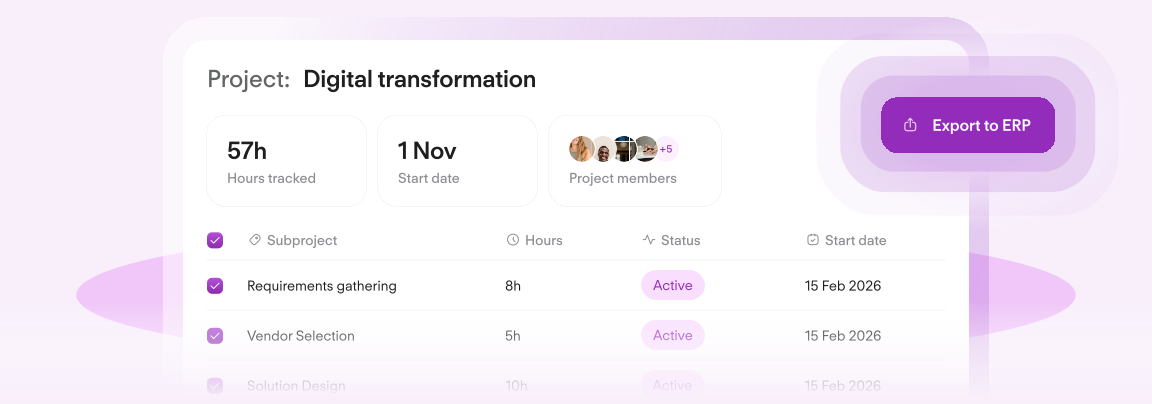
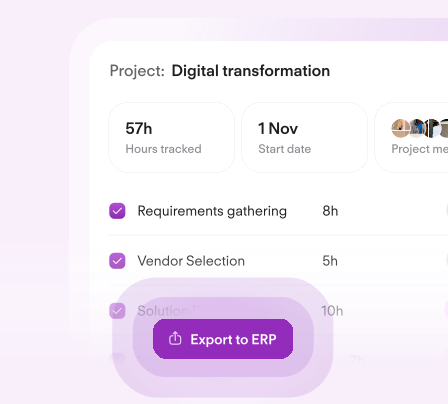
Connect your time data with external tools and systems.

CUSTOMER STORY

5 hrs
of time saved on administrative tasks per month.

"Tracking working hours for individual projects is particularly important to us. As a charitable foundation funded by donations, our Time Tracking reports allow us to transparently show the specific work our employees have done for each project."
Celina Fischer|Office Manager, Strahlemann Stiftung
Trusted by over 16,000 growing companies


TIME TRACKING GUIDE
Your Quick Guide to Easy Time Tracking
See how Personio makes time tracking simple, compliant, and payroll-ready—wherever your team works. Get answers to FAQs and explore key features in our quick two-page guide.

Explore intelligent HR.
Our team is here to help.
Frequently asked questions
What is Personio Time Tracking?
Personio Time Tracking helps employees record working hours and breaks, and gives HR and managers a reliable overview of attendance and overtime. Because it’s built into Personio, time data sits next to core HR data—making processes smoother and records easier to audit.
How do employees track their hours?
You can configure tracking methods that suite your company culture and operational needs: digital timesheet, clock-in/out in the web and mobile app, the Entrance App (a shared device at the workplace). This flexibility lets you match tracking to different roles–office, frontline, hybrid–without running separate tools.
Can we use a tablet as a punch clock in the office?
Yes. With our Entrance App, you can turn any tablet or laptop with a camera and internet connection into a time-tracking device. Employees clock in/out via QR code, which is especially useful for shift-based teams or locations with shared workstations.
Do tracked hours need approval?
Approvals are flexible: you can run time tracking with or without approvals, and you can set up exception approval workflows (for example, when entries break a rule). That way, most time entries flow through automatically—while the “edge cases” still get reviewed.
Can employees track time to projects or cost centers?
Personio supports project tracking in the timesheet, with visibility and configuration controlled via permissions. This helps you connect working time to internal reporting needs—without forcing everyone into a complex project tool.
Can we capture location when employees clock in/out?
Yes. With geotracking, the location can be captured when employees clock in and out using the clock-in widget (web or mobile). If location isn’t shared or is deleted, you can show an optional warning and trigger an optional approval process. Geofencing can additionally check whether someone is at the workplace or away and react with warnings/approvals if needed.
Does Personio support salary calculations based on tracked time?
Yes. Personio calculates salaries on an hourly basis – using recorded working hours and hourly rates. This reduces the need for manual tasks and ensures that pay is processed accurately and on time.
Why choose time tracking inside Personio instead of a separate tool?
Because you get one connected system: tracked hours, HR data, and workflows in one place. Time tracking in Personio is designed to improve efficiency and support compliance across the whole organisation.
